
Remote desktops
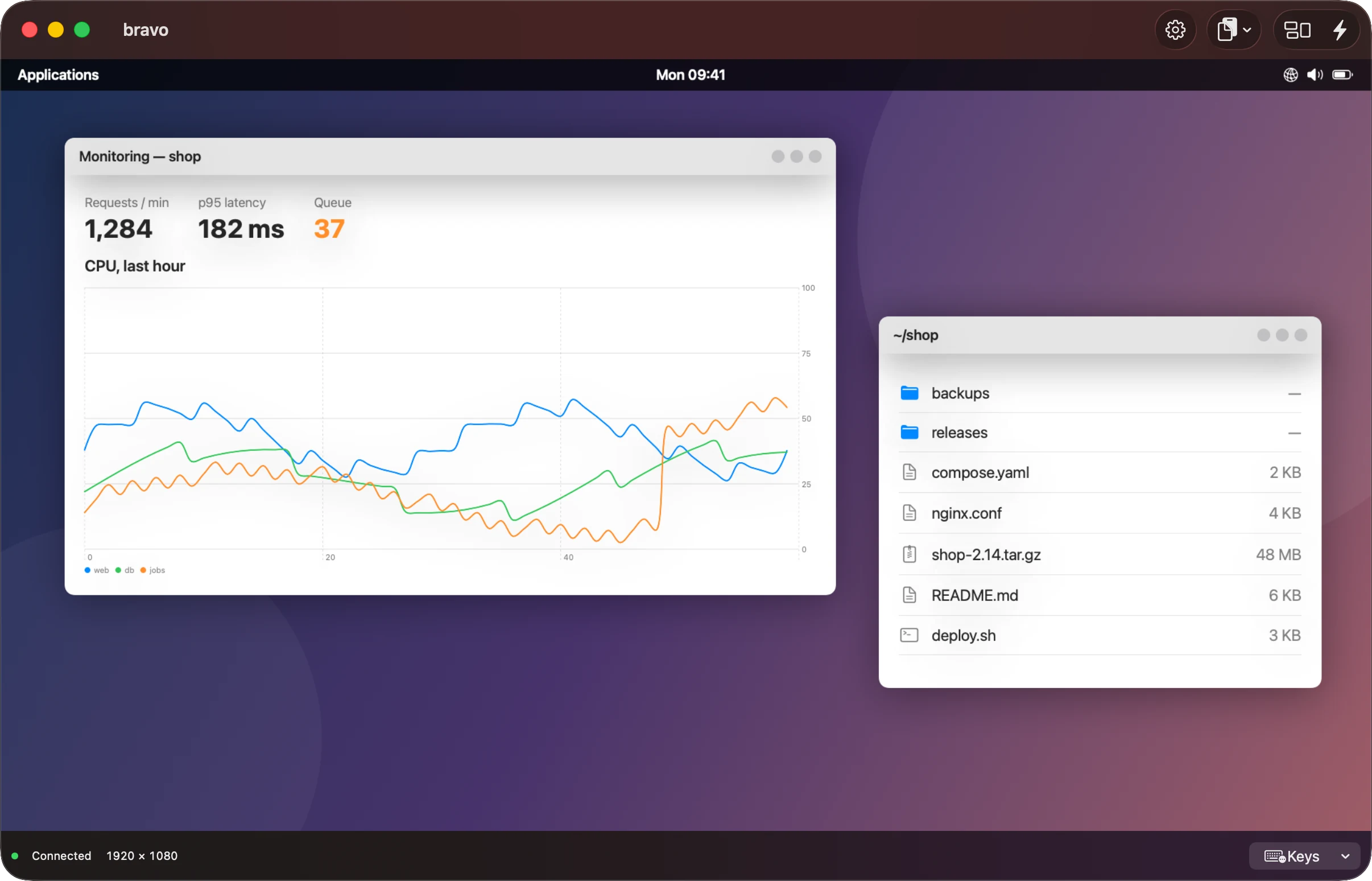
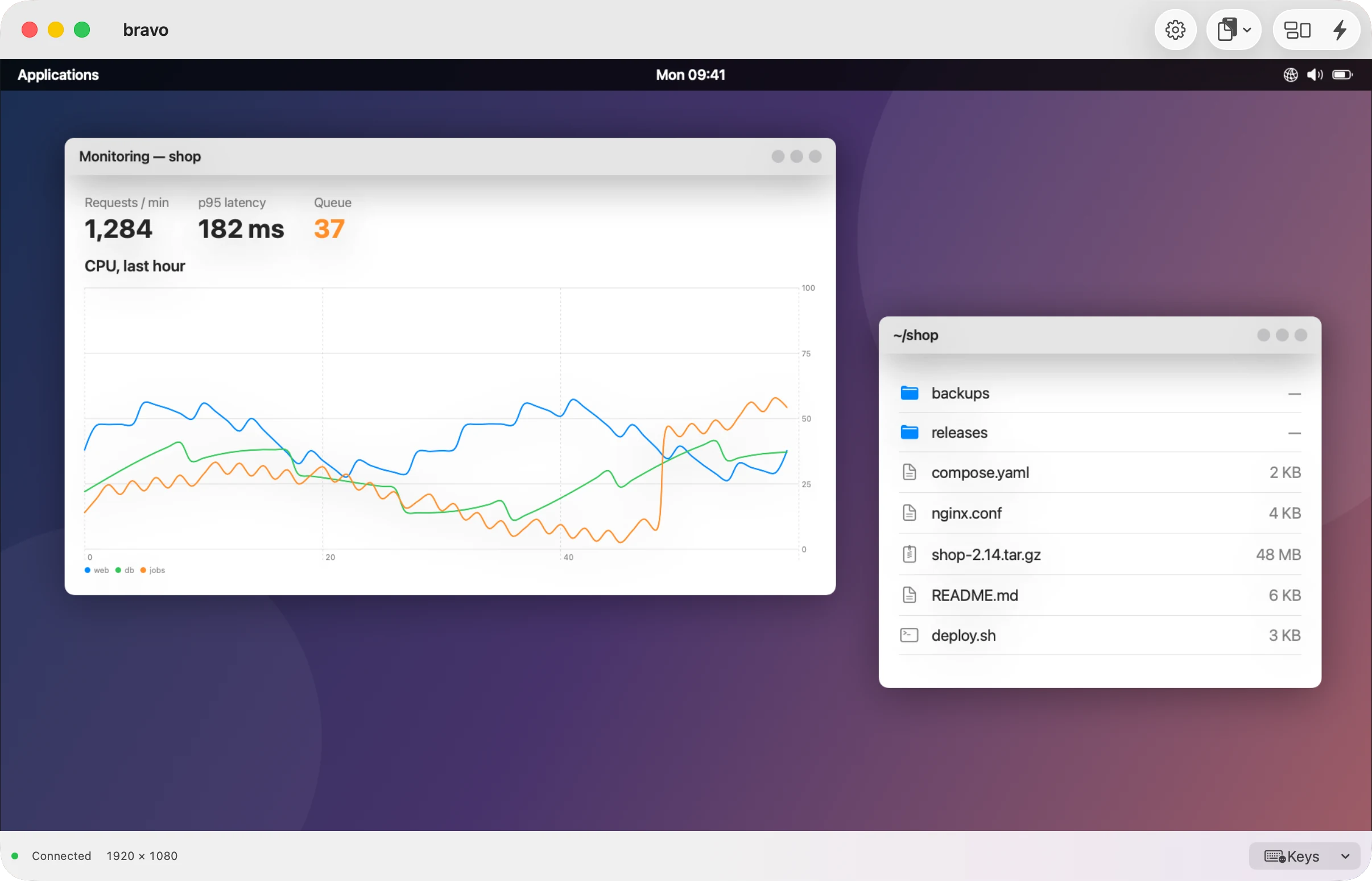
RDP for Windows and Linux, tested against Windows 11, GNOME Remote Desktop and xrdp, and VNC, including a Mac's Screen Sharing, signed in with a Mac account and encrypted. Each desktop opens in its own window, or on iPhone, its own screen.
Not released yet. RDP has been tested against Windows 11 with Network Level Authentication (most recently 2026-10-13) and against two Linux RDP servers, GNOME Remote Desktop and xrdp. Other Windows and Windows Server versions have not been tried, and that Windows 11 host did not offer resizing to the window.
What it does
The resolution follows the window
Resize the window, and the app asks the remote computer to match it, when the server offers display control. Otherwise the image scales to fit.
Sharp text
For RDP, Detail asks for more remote pixels per point, so text stays sharp on high-resolution displays.
Trust before sign-in
Every RDP connection uses TLS. If the certificate is not trusted, the connection stops before your password is sent, and shows its fingerprint for you to compare.
Audio and clipboard
Remote audio over RDP, and a clipboard shared both ways: text, formatting and images over RDP, text over VNC. Both are off until you turn them on. Your microphone is never sent.
Adapts to the link
RDP tells the server how fast the connection really is, during the session too. VNC's Quality measures the link and moves between levels: lossless on a fast link, lighter as it slows or as the picture starts to arrive late.
Import an .rdp file
Turn a .rdp file into a host with a desktop service. The import lists what it left out. Passwords are never imported.
Nothing stays pressed
When the app goes to the background or the window loses focus, held keys and buttons are released on the remote computer.
On each device
Written from the app's code. On 2026-10-17 the Mac, the iPhone and the Vision Pro all ran the same build, 0.4.471.
Vision Pro
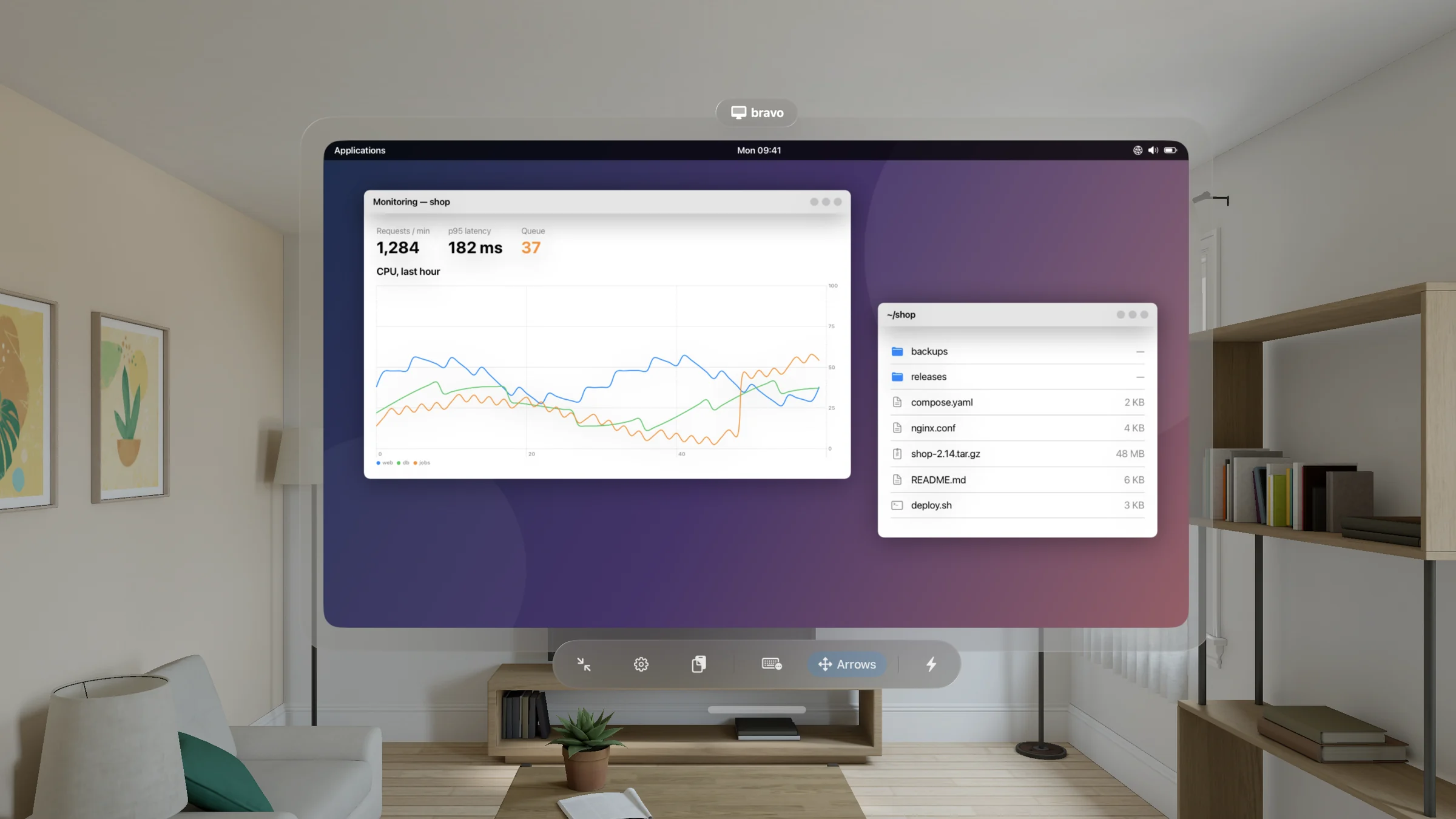
A desktop is a window you place, resize and see through. Look and pinch to click. A connected keyboard, trackpad or mouse works too. A Keys menu and an arrow pad send the keys a headset has no keyboard for. Opacity and glass change how the window sits in the room. Shrink to Orb folds the window into a small glass orb showing the remote screen, still connected, until you pinch it back.
Background removal can make black, a chosen color, or the remote wallpaper transparent, so a remote window floats over your space.
Mac
Mouse or trackpad, with left, right and middle buttons, back and forward, and scrolling. Type Text, in the Keys menu, sends text you type to the remote computer. Opacity and glass let the desktop window show what is behind it, as on Vision Pro. A VNC desktop can also open in the Mac's own Screen Sharing app.
iPad and iPhone
Choose Trackpad or Direct Touch for the pointer. Pinch to zoom the image. A Keys menu and an arrow pad, in the bar at the bottom or, while the on-screen keyboard is up, in the bar above it, send Escape, Tab, arrows, F1–F12, and Control, Option, Command or Shift with the next key. Control–Alt–Delete is in the Clipboard menu.
What it does not do
These are listed in the help, from the app's code.
- RD Gateway, connection brokers, Azure Virtual Desktop and Microsoft Entra sign-in.
- Kerberos. A domain account signs in with its user name, domain and password over NTLM.
- The older RDP security layer without TLS.
- RemoteApp, single remote programs.
- Drive, printer, smart-card and USB redirection. Microphone and camera.
- More than one remote monitor over RDP. UDP transport; connections use TCP.
- Files through the clipboard. Over VNC, only text: any text with a Mac signed in with a Mac account, none with a Mac reached otherwise, Latin-1 characters with other servers.
- On Vision Pro and Mac, desktop windows are not restored when you reopen the app.
VNC is not encrypted after sign-in, except to a Mac signed in with a Mac account. Otherwise it protects your password, not the screen or your typing. Use VNC without a Mac account on a network you trust, or use RDP.
In the help
Add a remote desktop
RDP or VNC, and what each field means.
Sign in and trust
NLA, certificates, VNC sign-in, and what is not supported.
Connect and leave
Status messages, reconnecting and closing.
Resolution and zoom
Match Window Size, Detail and fixed resolutions.
Keyboard, pointer, clipboard, audio
Input on each device, the Keys menu and the arrow pad.
On Apple Vision Pro
Window controls, glass and background removal.
Import an RDP file
What the import keeps, and what it refuses.