
Editor
A text and code editor for files on this device, or on a server through its Terminal service. Saves go back where the file came from.
Not released yet.
What it does
Projects, here or on a server
A project is a folder. Open one on this device, or open a server's folder from its Files browser; if the server's connection drops, the project makes a new one. The Projects list syncs where each project is, never its files.
Fifteen languages
C, Go, HTML, JavaScript, JSON, Markdown, PHP, Python, Rust, Shell, SQL, Swift, TOML, XML and YAML. The language comes from the extension, or from the start of the file.
Preview
Markdown with Mermaid diagrams, HTML, SVG, and CSV or TSV as a table. The preview follows your edits.
Viewers
Images, PDFs, video, audio and 3D models open in a viewer, chosen by what the file contains, not only its name. On Mac, iPad and iPhone a 3D model turns as you drag it, and on iPad and iPhone it can stand in the room in AR. On Vision Pro it opens in a volume of its own.
Careful saves
A save keeps the file's encoding and line endings. Before every save, and when its window comes forward, the Editor checks whether the file changed since you opened it, and asks what to do if it did.
Settings at four levels
Text size, line numbers and wrapping for the Editor, for one window, for a project, or for one open file. A window can keep its own glass too.
What a preview can reach
A preview loads nothing from the internet. Scripts in an HTML file do not run. The only script a preview runs is the copy of Mermaid built into the app, and only for Markdown. Relative images come from the file's own project or folder, and nothing outside it.
On each device
Written from the app's code. On 2026-10-17 the Mac, the iPhone and the Vision Pro all ran the same build, 0.4.471.
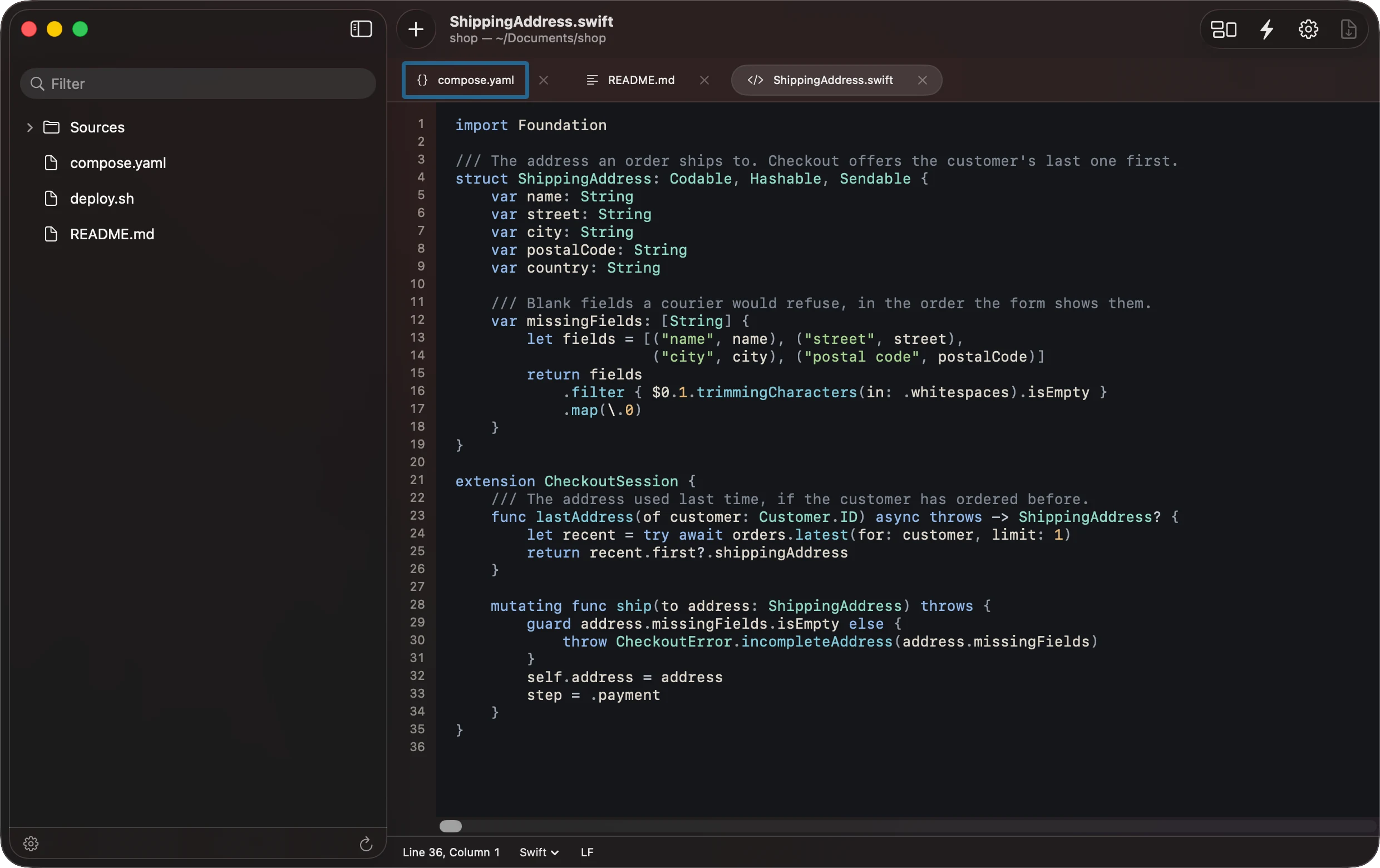
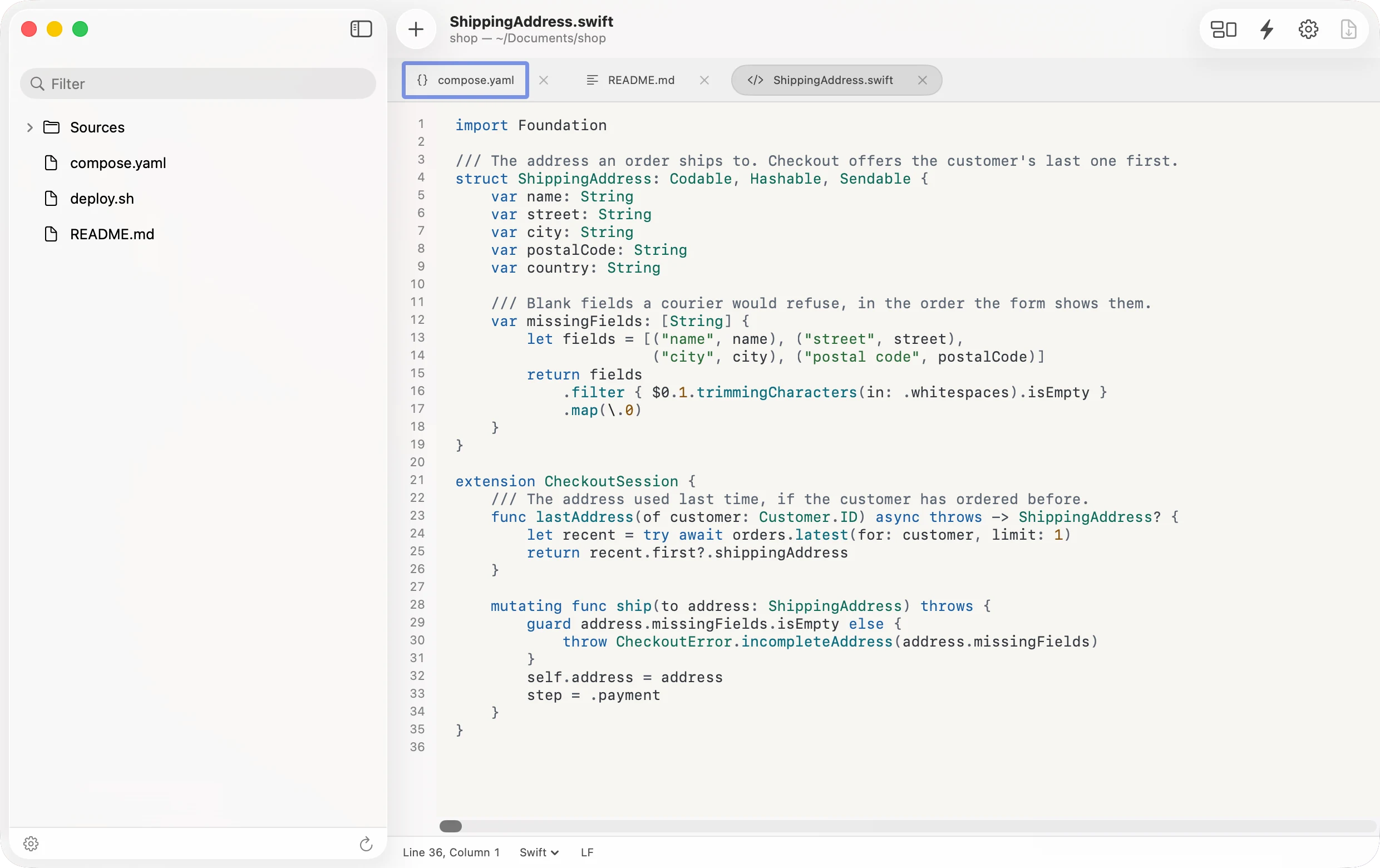
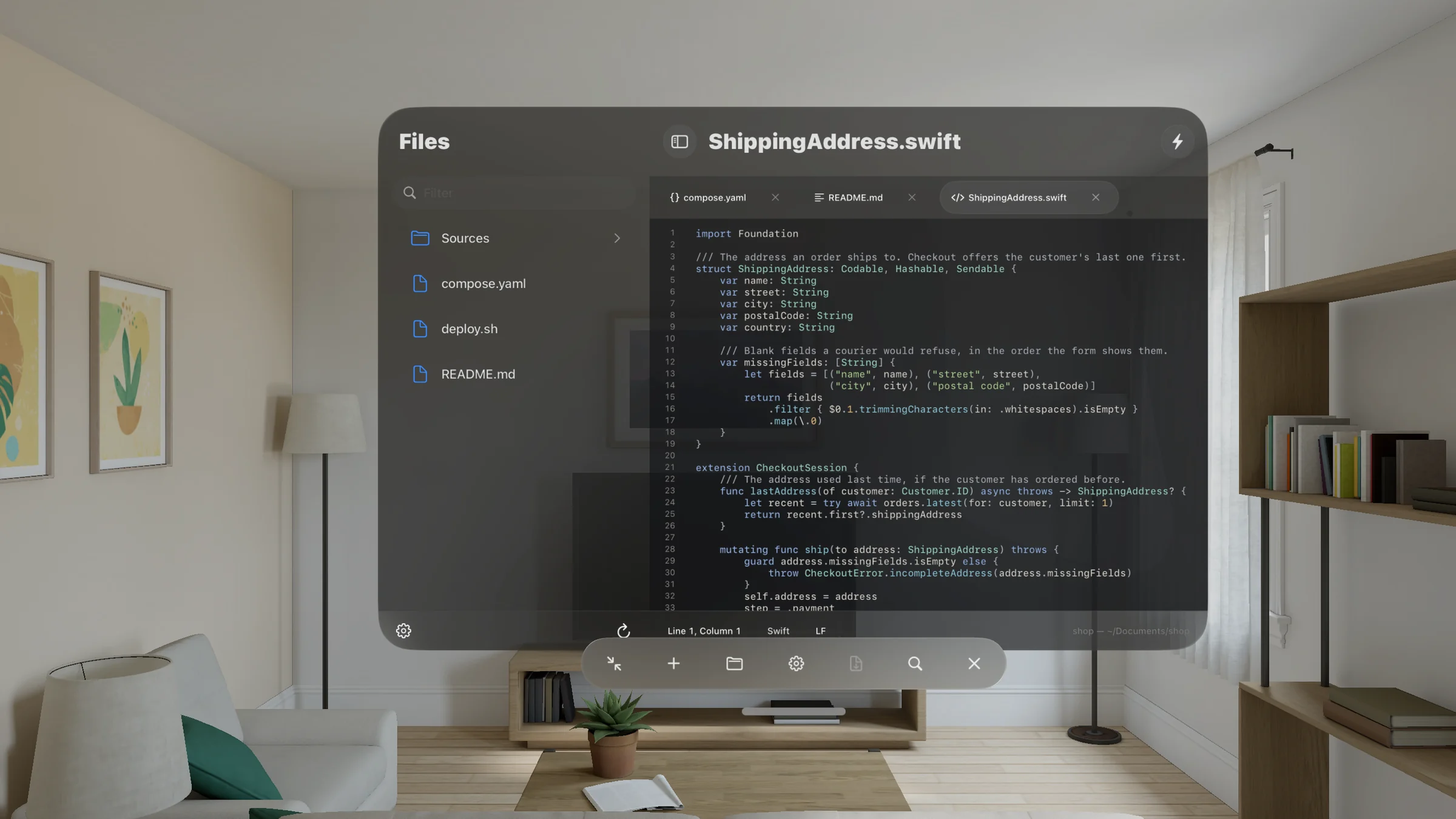
- Vision Pro and iPad: an editor window with the file list on the left and tabs across the top. On Vision Pro the window's controls, Preview among them, are the row below the window. Projects in the library also opens a new document, or files and folders. With a keyboard, ⌘S saves, and asks where for a new document.
- Mac: the same, with File and Text menus: New Editor Window, Open for files and folders, Find and Replace, and Go to Line. Viewers use Quick Look.
- iPhone: the Editor fills the screen, and each folder is its own screen. Your documents and unsaved changes are kept when you step back to the library.
What it does not do yet
- TypeScript and JSX are colored with the JavaScript grammar.
- Very large files, roughly two million characters or more, are shown as plain text without highlighting.
- There is no Close Project command. Closing the editor window closes its project.
- The Editor reads files of up to 64 MB. Larger pictures, PDFs, media and 3D models on this device open in their viewers; other large files, and any larger file on a server, do not open.
- Viewers are for reading. Images, PDFs, video, audio and 3D models are never edited or saved. 3D models are USDZ, USD and Reality files only.
- A folder opened from this device is listed on your other devices, but it opens only where that folder exists.
- If a server connection drops during a save, the Editor cannot tell whether the file was replaced. It says so, and you open the file again to see.
In the help
Open the Editor
Ways in on each device, and how to leave.
Projects
Folders here or on a server, and how the list syncs.
Files and tabs
The file list, preview tabs and new files.
Save your work
First saves, changed files and closing.
Languages and Find
The fifteen languages, the status bar, Go to Line.
Preview and viewers
Markdown, Mermaid, HTML, SVG, CSV and media.
Editor settings
Text size, line numbers and wrapping.